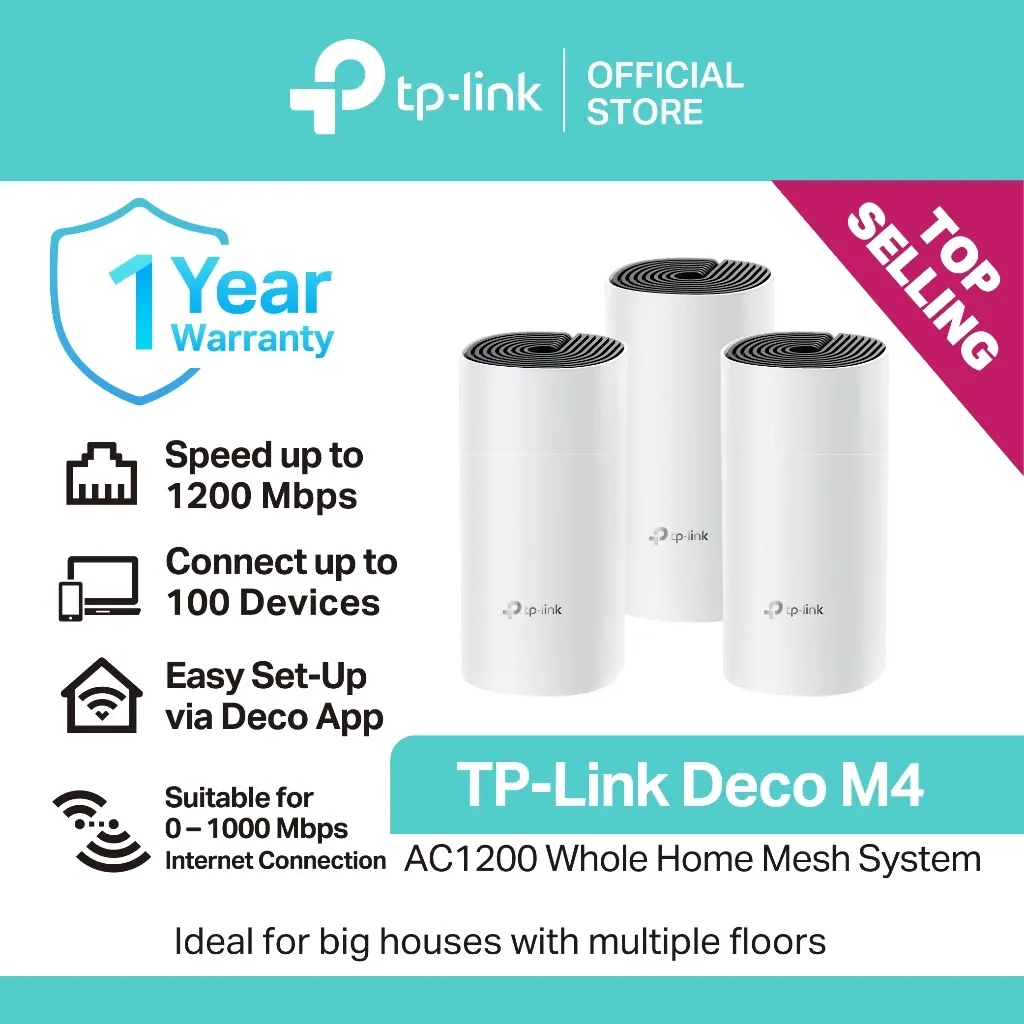
TP-Link Deco M4 AC1200 Whole-Home Mesh Wi-Fi System
₱5,500as of Aug 23, 2026
COD · Shopee-protected payment

Disclosure: Product Choicest is reader-supported. We may earn a commission when you buy through our Shopee links, at no extra cost to you. Read affiliate disclosure.
An AC1200 mesh system where every node is a full router with two gigabit ports, our Best Whole-Home Upgrade at around ₱5,500, the fix when the problem is the whole house, not one corner.
₱5,500as of Aug 23, 2026
COD · Shopee-protected payment
| Brand | TP-Link |
|---|---|
| Type | Mesh Wi-Fi system |
| Price | ₱5,500 (as of Aug 23, 2026) |
| Owner rating | 5.0 ★ from 1,792 reviews |
| Shop | TP-Link PH |
| Units sold | 5K+ |
Specs per TP-Link. Coverage depends on how many units are in the pack you buy.
| Type | Mesh Wi-Fi system |
|---|---|
| Wi-Fi standard | Wi-Fi 5 (802.11ac), dual band |
| Speed | Up to 1200Mbps (867Mbps on 5GHz, 300Mbps on 2.4GHz) |
| Ports | 2 gigabit Ethernet per unit |
| Devices | Up to 100 connected devices |
| Setup | Deco app |
The TP-Link Deco M4 is our Best Whole-Home Upgrade: an AC1200 mesh system where every unit is a full router with two gigabit ports, at around ₱5,500. It is the answer when the problem is your whole house, not one dead corner.
An extender is a patch. It listens to your router and rebroadcasts, which roughly halves throughput on the extended network and, without OneMesh, leaves you with a second Wi-Fi name to switch between. That is a fine fix for one weak room.
Mesh is a replacement. Each Deco node is a full router, and they talk to each other to form a single network with one name. Your phone hands over between nodes as you walk from the sala to the terrace without dropping a call. There is no “_EXT” network, no manual switching, and no single weak point at the far end of a chain.
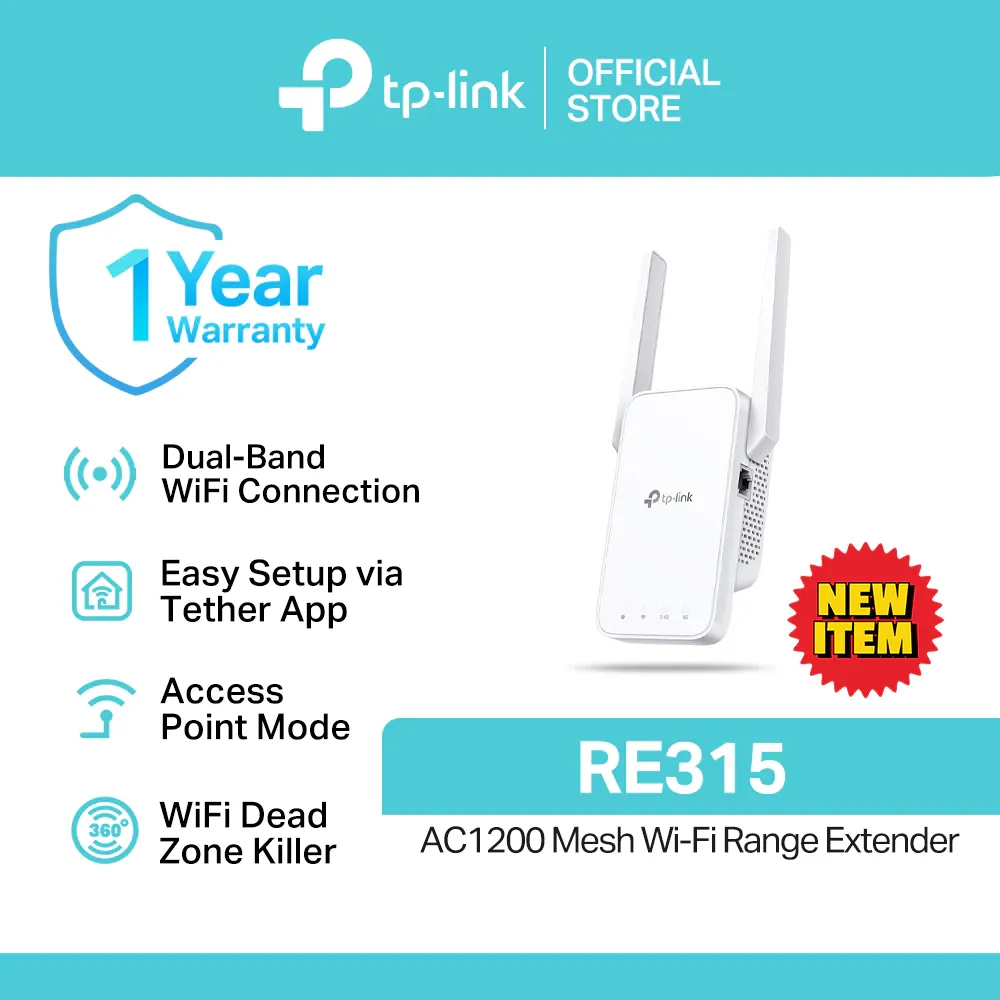
The practical test is simple: if one room is bad, buy an extender like our RE315. If the whole house is patchy, or your ISP-issued router is genuinely tired, mesh is the honest fix.
Two gigabit Ethernet ports on every unit, which is the detail that separates it from most of this list. Wherever you drop a node, you get two full-speed wired connections, so a smart TV in the bedroom and a desktop in the study both stay wired.
Up to 100 devices, which is a real number in a modern Filipino household once you count phones, TVs, CCTV, smart plugs, and a couple of laptops.
And the Deco app, which is the simplest setup in this entire roundup. There is no admin page, no manual, and no IP address to type. It walks you through bridging the ISP modem and placing each node.
Around ₱5,500 as of August 23, 2026. Check the latest price on Shopee. As a rate: if it lasts four years, which is reasonable for a router you leave alone, that is about ₱115 a month to make an entire house usable. Set against paying for a faster plan that your old router cannot deliver to the back bedroom anyway, it is often the cheaper answer.
Two honest cautions. It is Wi-Fi 5, so a house full of Wi-Fi 6 devices would do better on a newer Deco generation. And check the pack size on the listing, because coverage scales with node count and a single unit covers far less than a set.
Buy this if most of your house has weak Wi-Fi, if your ISP router is old and you are tired of working around it, or if you want one network name and seamless roaming across two floors. Skip it if only one room is bad, where an extender costs a third as much. See how it ranks in our best Wi-Fi extenders in the Philippines roundup, or read our Wi-Fi extender buying guide for the extender-versus-mesh decision.
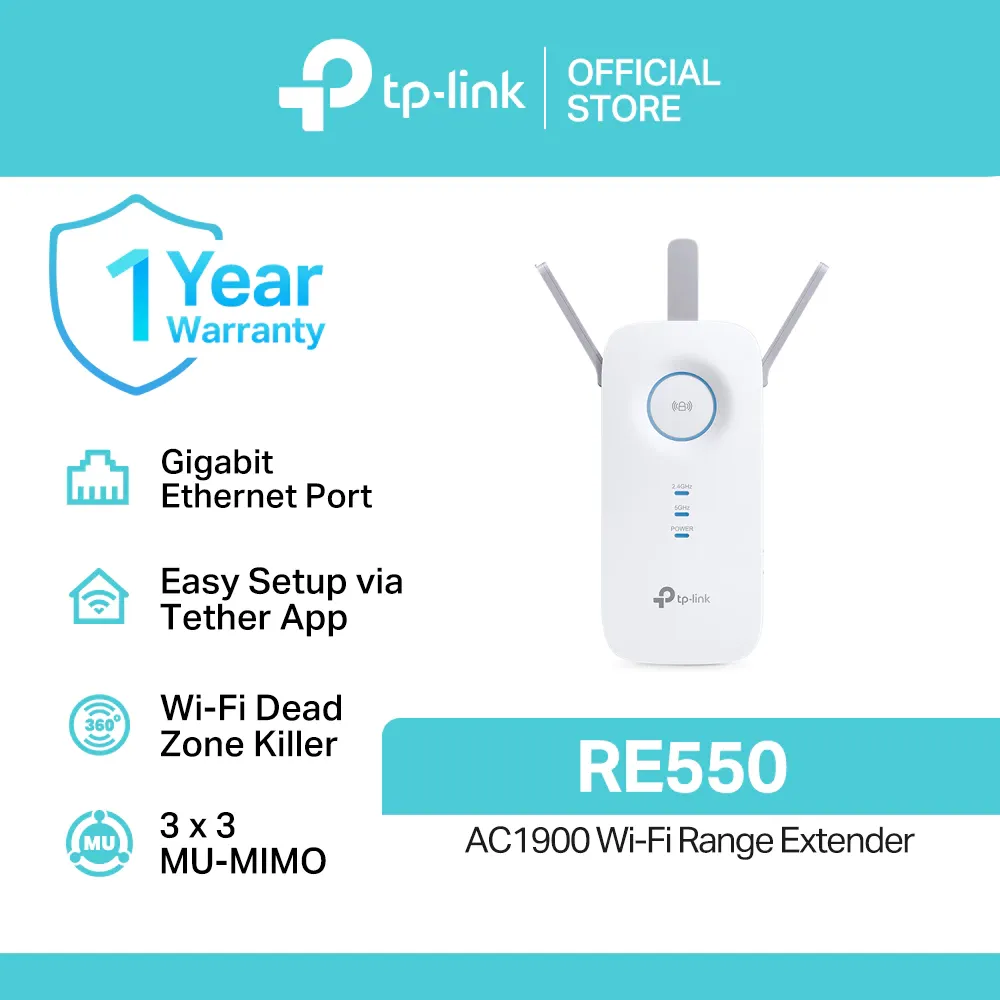
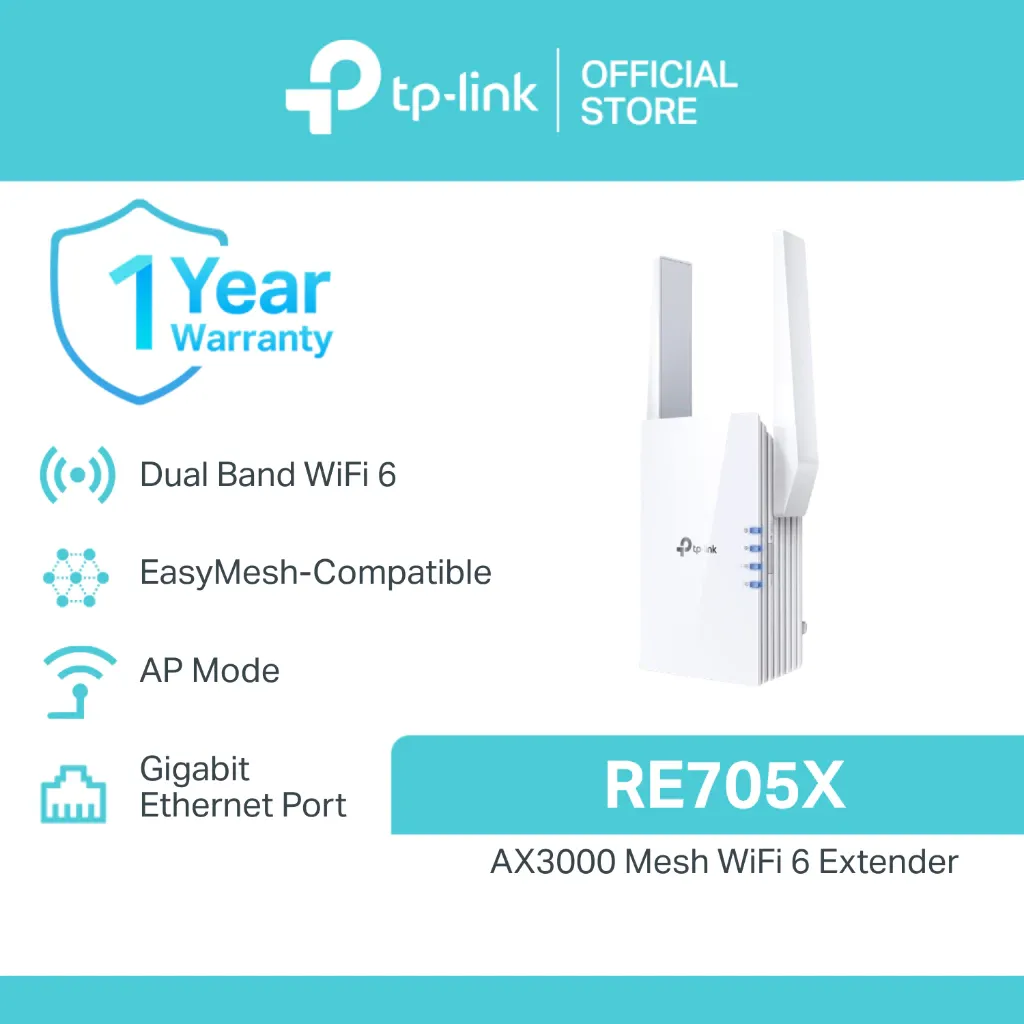
Only one wing of the house is weak? The TP-Link RE550 covers about 2,800 sq ft with a gigabit port for far less. Want Wi-Fi 6 speed at the far end instead of whole-home coverage? The TP-Link RE705X is the fastest extender here. More on the Home Improvement page.
See how it compares with the other top picks in our Wi-Fi extenders comparison.
An extender rebroadcasts your existing router's signal, which halves throughput and often creates a second network name. A mesh system replaces the router entirely with units that talk to each other and share one network, so roaming is seamless.
That depends on the listing, and it is the first thing to check before you buy. Coverage scales with node count, so a single unit covers far less ground than a two or three-pack.
You keep the ISP modem for the internet connection, but you can put it in bridge mode and let the Deco handle routing and Wi-Fi. Setup in the Deco app walks you through it.
For streaming, calls, and browsing across a whole house, yes. It is Wi-Fi 5 rather than Wi-Fi 6, so a household of heavy simultaneous users would be better served by a newer Deco generation.
Around ₱5,500 as of August 23, 2026, though you should always check the current price.
Every card links to our full review.
₱1,600as of Aug 23, 2026
₱2,300as of Aug 23, 2026
₱4,700as of Aug 23, 2026