10 Best Wi-Fi extenders in the Philippines (2026)

By the Product Choicest team ยท Updated Aug 23, 2026 ยท How we review

Disclosure: Product Choicest is reader-supported. We may earn a commission when you buy through our Shopee links, at no extra cost to you. Read affiliate disclosure.

The TP-Link RE315 is our Best Overall Wi-Fi extender for most Pinoy homes. It is a dual-band AC1200 wall-plug unit with OneMesh and EasyMesh support, so your phone keeps one Wi-Fi name instead of switching to a second network, at around โ‚ฑ1,600 with a 4.9 rating and 4K+ sold on Shopee PH (as of August 2026). Below are the best Wi-Fi extenders and repeater-capable routers on Shopee PH, from a โ‚ฑ779 plug-in repeater to a โ‚ฑ5,500 mesh set, ranked on coverage, wired-port speed, mesh roaming, and price. Prices move often, so treat every peso figure here as a guide.

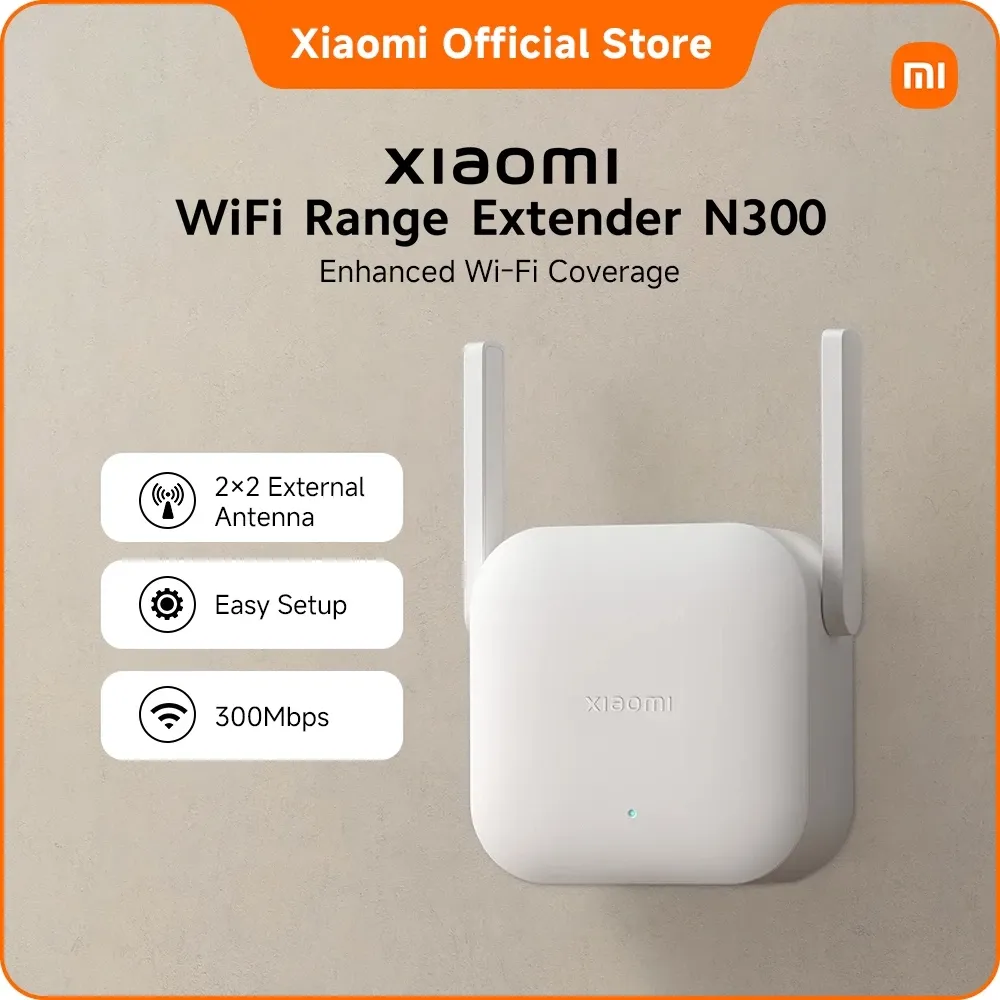
In a hurry? TP-Link RE315 AC1200 Mesh Wi-Fi Range Extender is our top pick for most homes, or go for the Xiaomi Wi-Fi Range Extender N300, 300Mbps 2.4GHz at around โ‚ฑ779 if you're on a budget.

๐Ÿ† Our quick picks

๐Ÿ“Š Top picks compared

Prices are Shopee PH listings as of each product's last check. See the linked reviews for dates.

A dead spot in the back bedroom is one of the cheapest problems in the house to fix, as long as you buy the right kind of box for the room you are actually trying to reach.

How we picked

We compared the most popular Wi-Fi extenders and repeater-capable routers on Shopee PH on what decides whether the far room works: dual-band support (a 2.4GHz-only unit can never carry your 5GHz speeds), mesh roaming so you are not switching networks by hand, the speed of the Ethernet port for anything you wire in, antenna count and rated coverage, and the price against all of it. We leaned on strong owner ratings and real sales figures. One honest note: no extender adds speed, it only spreads what your router already has. Not sure which type you need? Start with our Wi-Fi extender buying guide.

What to look for

Dual band or 2.4GHz only. This is the first fork in the road. A 2.4GHz-only repeater is cheap and gets through concrete walls well, but your fast 5GHz speeds stop at the router. If the far room needs real throughput, insist on dual band.

Mesh roaming. Without OneMesh or EasyMesh, an extender creates a second network name and your phone clings to the weak original until you switch by hand. With it, one name covers the house and handover is automatic. Your router has to support it too.

Ethernet port speed. Many extenders carry a 10/100Mbps port, which caps a wired TV or PC at 100Mbps on a fiber plan. A gigabit port is the upgrade to look for if you plan to plug anything in.

Extender or mesh. One weak room means an extender. A whole patchy house, or a tired ISP router, means mesh.

Our top picks at a glance

The TP-Link RE315 is our Best Overall. It is the cheapest way to get OneMesh and EasyMesh roaming, so you keep a single Wi-Fi name, and it is properly dual band at 867Mbps on 5GHz, rated for about 1,500 sq ft and 25 devices, at around โ‚ฑ1,600 (as of August 2026). Its one compromise is a 10/100Mbps Ethernet port.

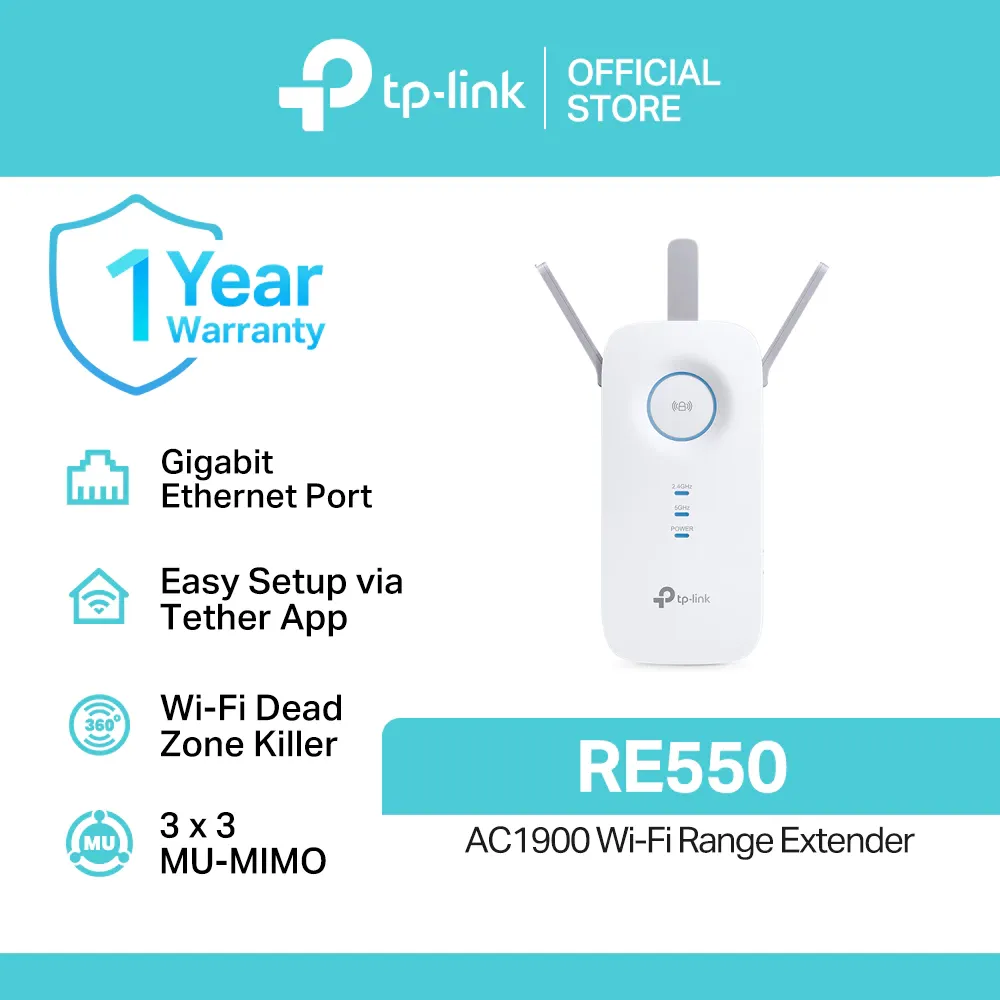
Watching the budget? The Xiaomi N300 is our Best Budget pick: a 300Mbps 2.4GHz plug-in repeater that draws about 3.57W, around โ‚ฑ779 (as of August 2026). Big house? The TP-Link RE550 takes Best for Big Houses, with three antennas, a gigabit port, and a rating of about 2,800 sq ft and 35 devices, around โ‚ฑ2,300 (as of August 2026).

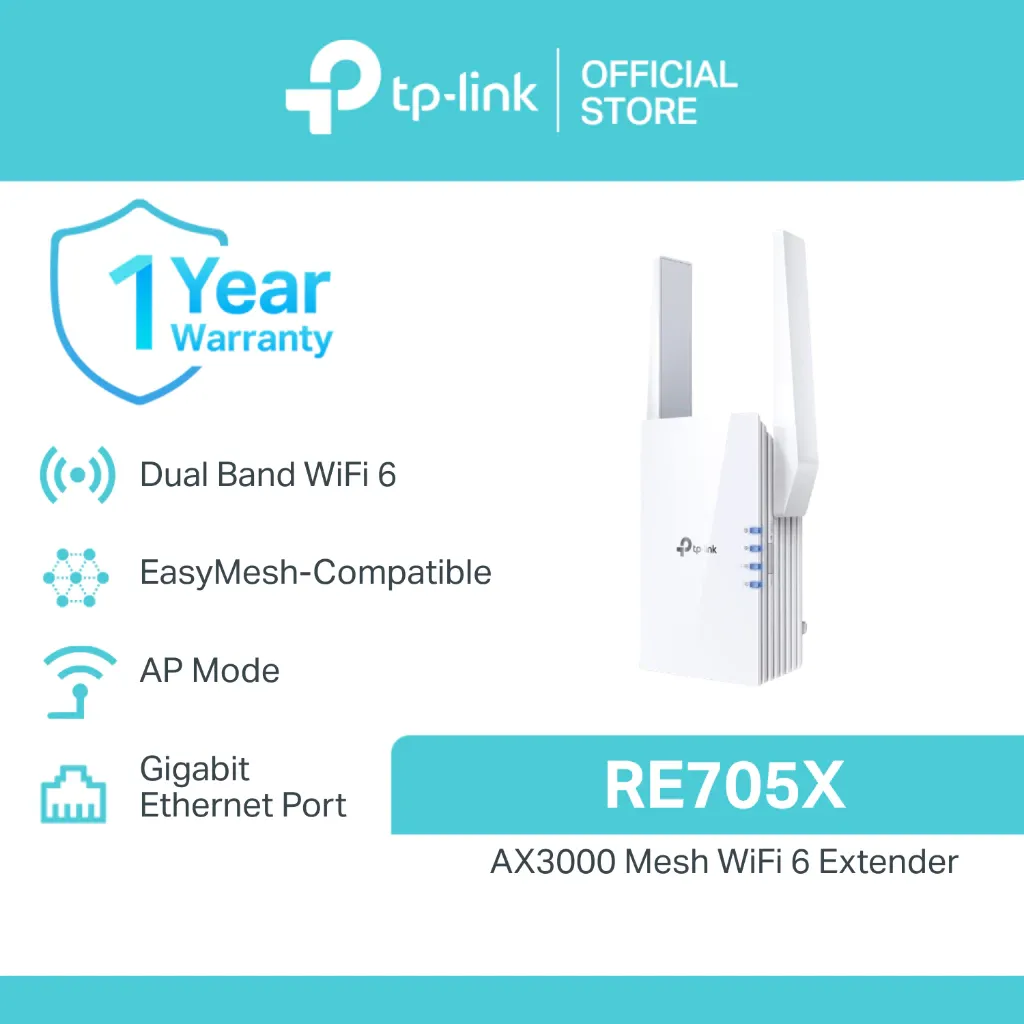
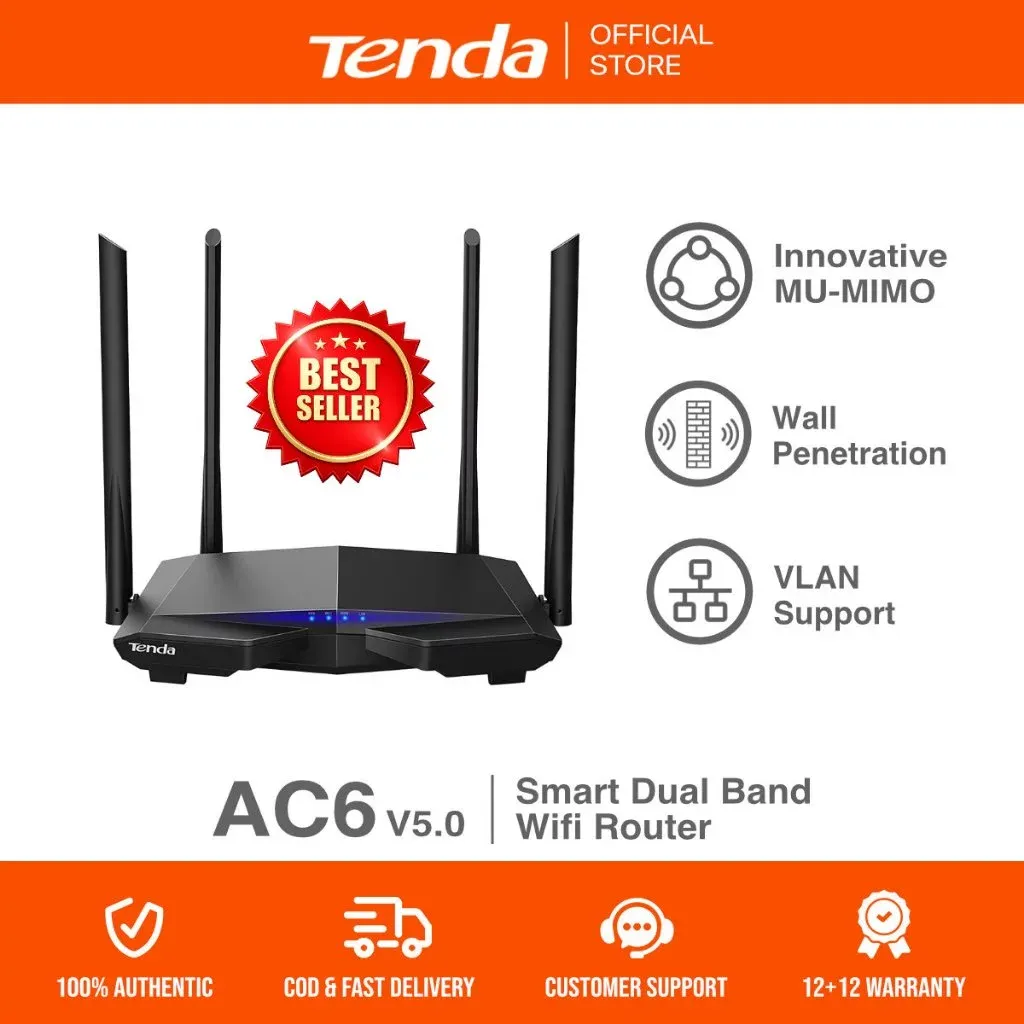
Running Wi-Fi 6 gear? The TP-Link RE705X is our Best Wi-Fi 6 pick, reaching 2402Mbps on 5GHz with 160MHz channels and a gigabit port, around โ‚ฑ4,700 (as of August 2026). Setting up a vending unit? The Tenda AC6 wins Best for Piso Wi-Fi with four 6dBi antennas and WISP mode, around โ‚ฑ1,200 (as of August 2026).

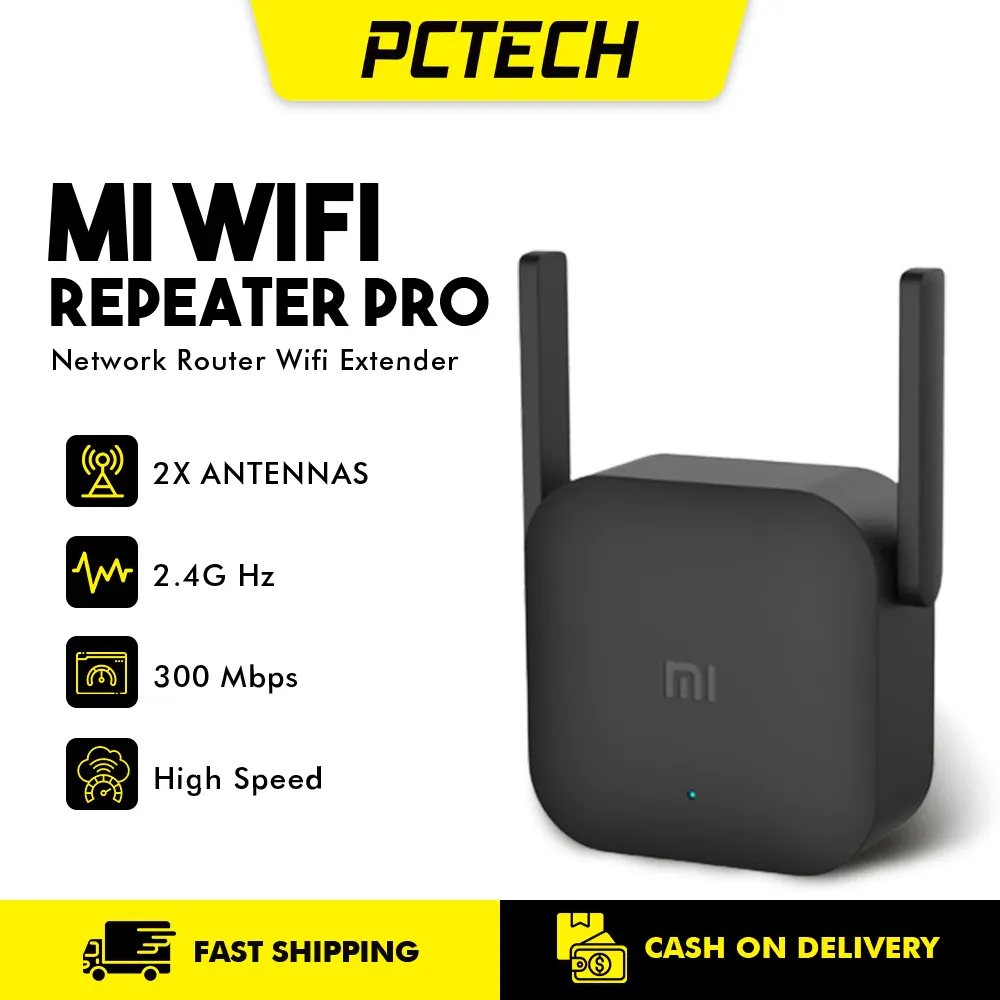
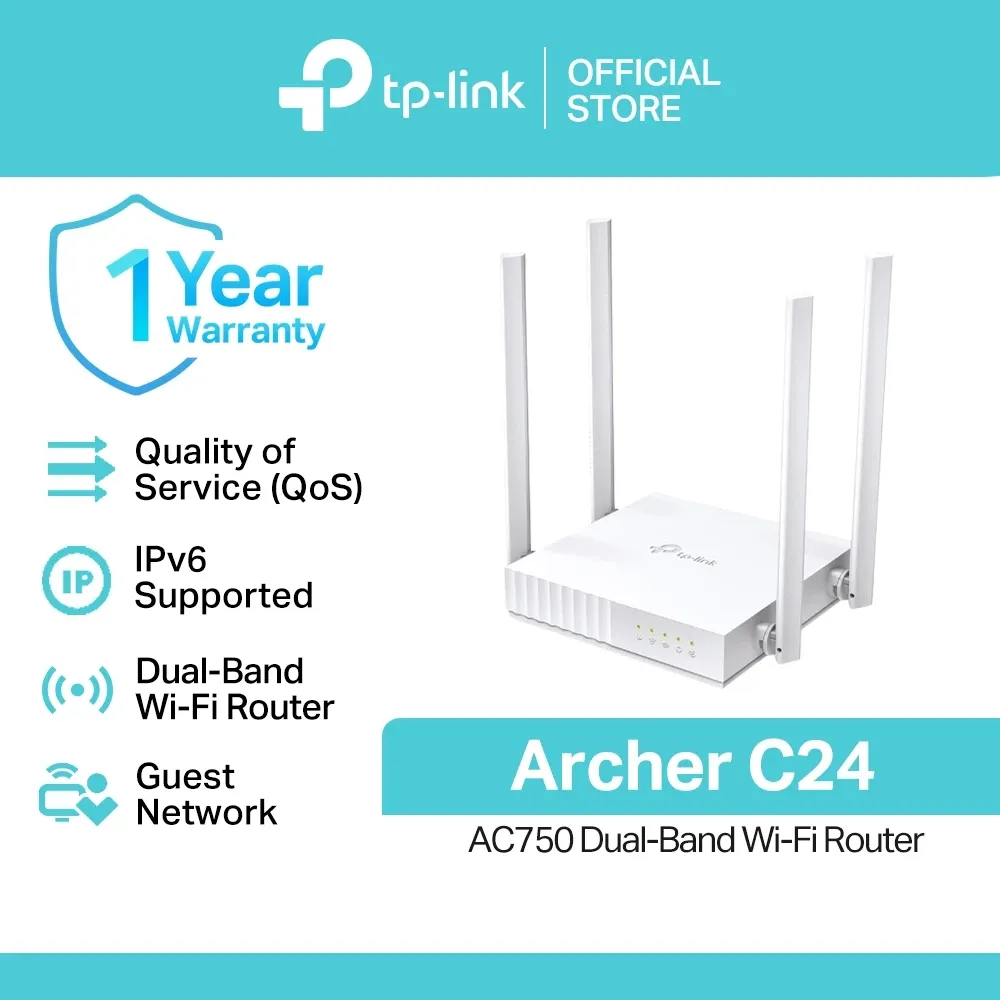
The Xiaomi Mi Repeater Pro is our Most Popular Pick, with more owner ratings than everything else here combined, though it is 2.4GHz only with no Ethernet port, around โ‚ฑ1,300 (as of August 2026). Want one box that can change jobs? The TP-Link Archer C24 takes Best Router-Extender Combo, running as a router, access point, or extender with four LAN ports and WPA3, around โ‚ฑ1,200 (as of August 2026).

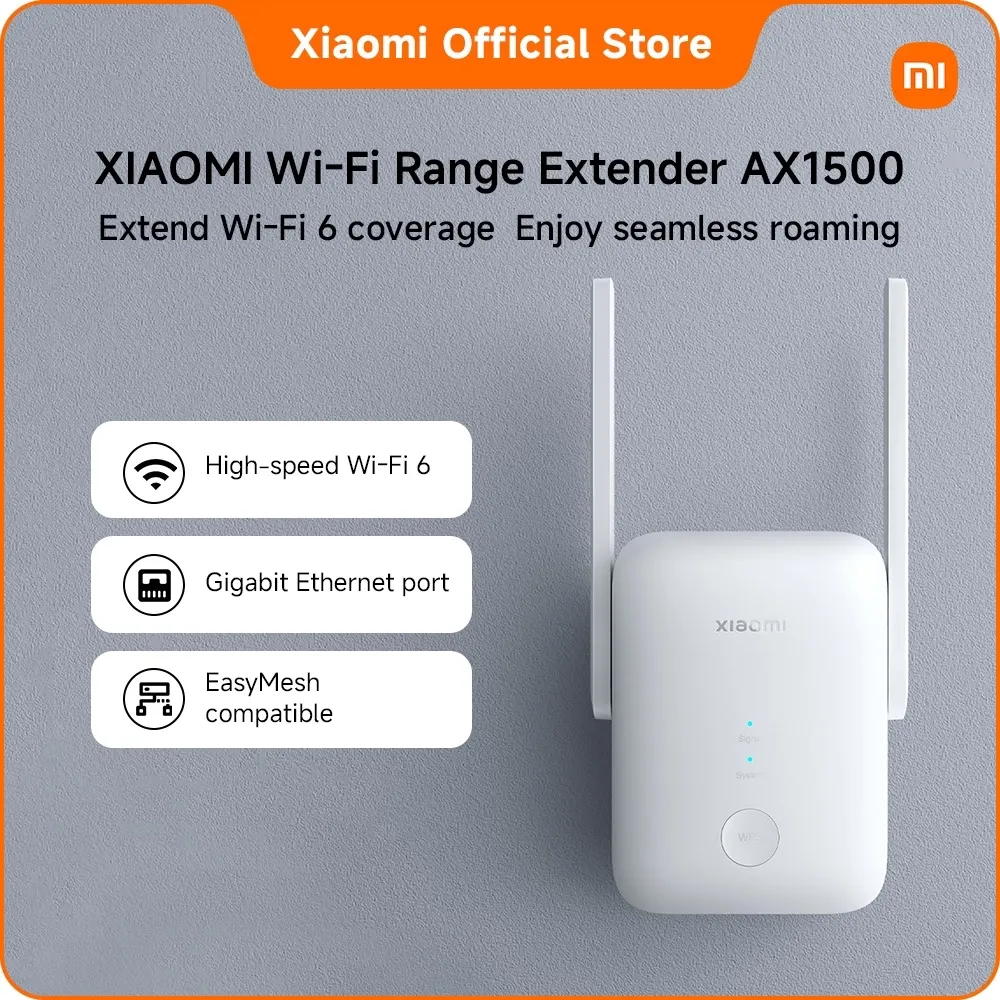
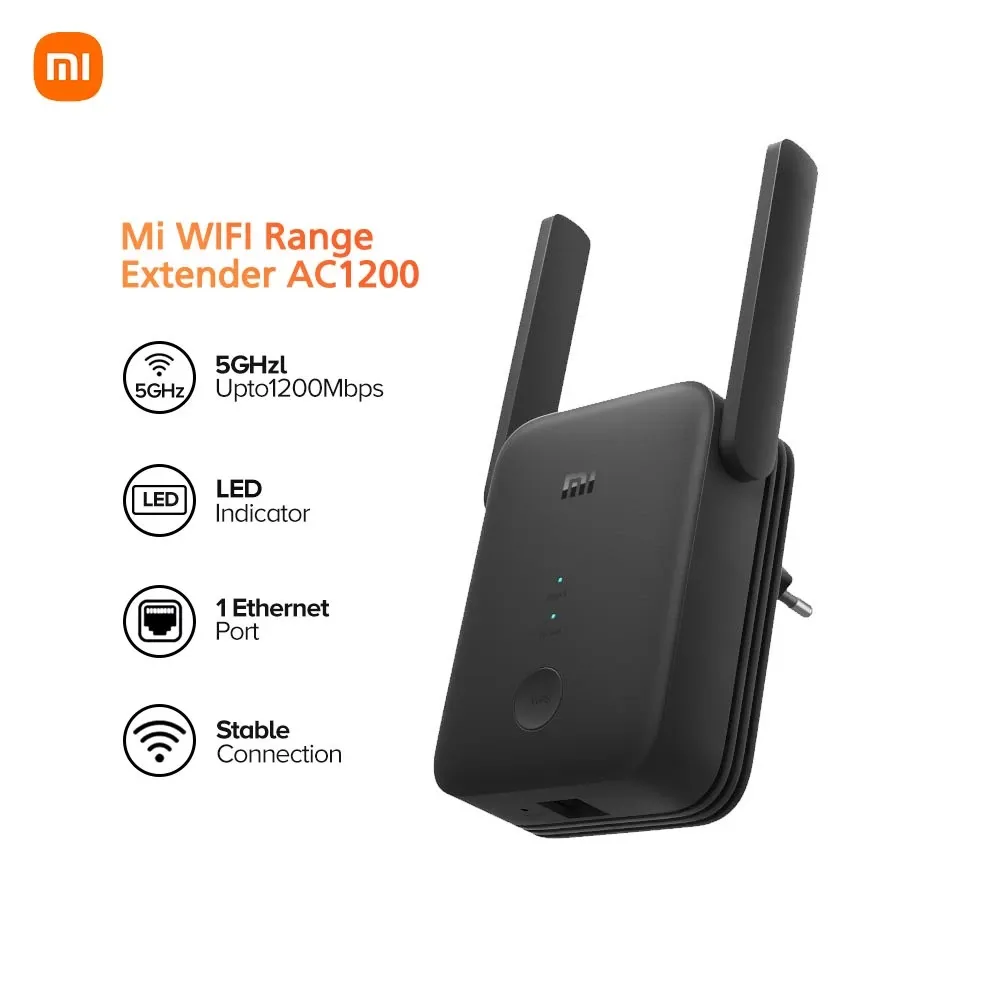
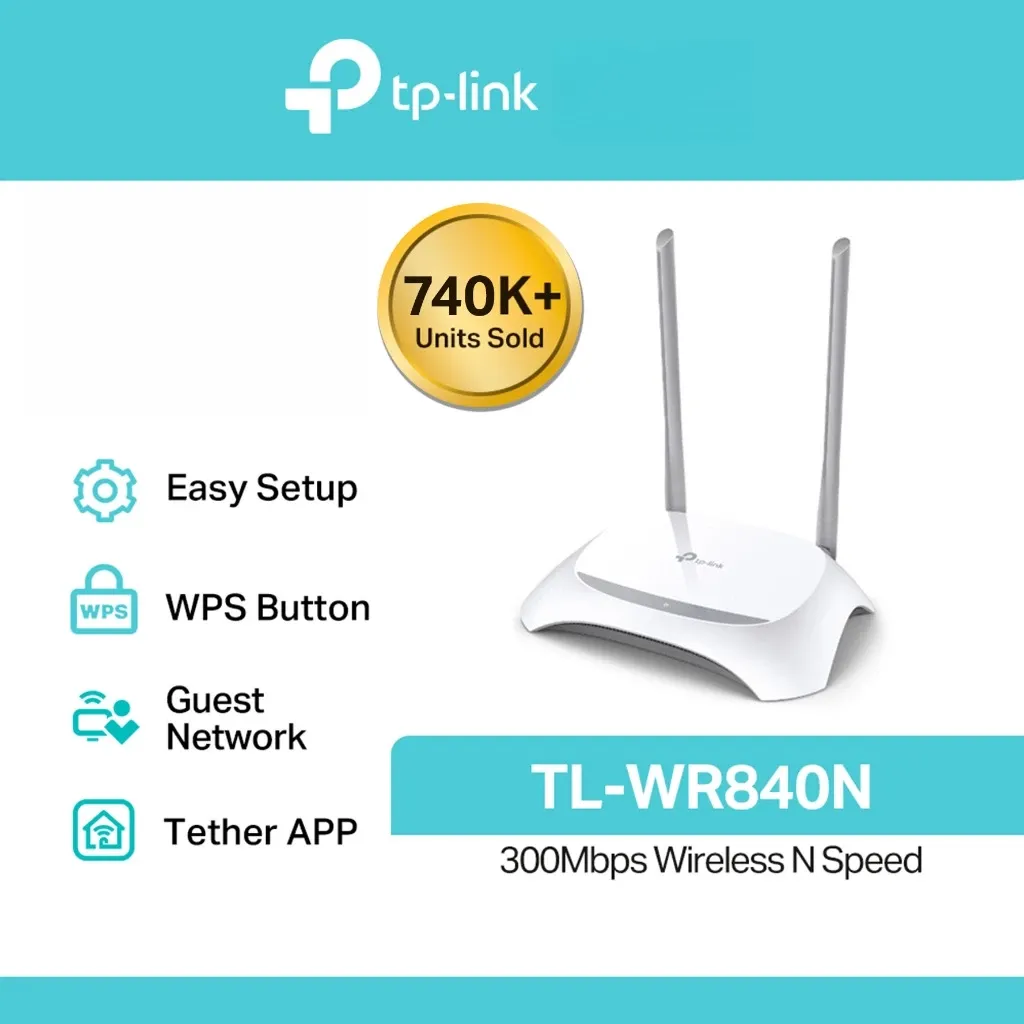
Rounding out the list: the Xiaomi AX1500 is our Best Value Wi-Fi 6, pairing the newer standard with a gigabit port for around โ‚ฑ2,000; the Xiaomi Mi AC1200 is our Best Cheap Dual-Band, the least you can spend and still carry a 5GHz link, around โ‚ฑ1,100; the TP-Link Deco M4 takes Best Whole-Home Upgrade as a mesh set with two gigabit ports per node, around โ‚ฑ5,500; and the TP-Link TL-WR840N is our Best Basic Backup, a four-mode 2.4GHz box worth keeping in a drawer, around โ‚ฑ999 (as of August 2026).

โš–๏ธ Pros and cons of our top picks

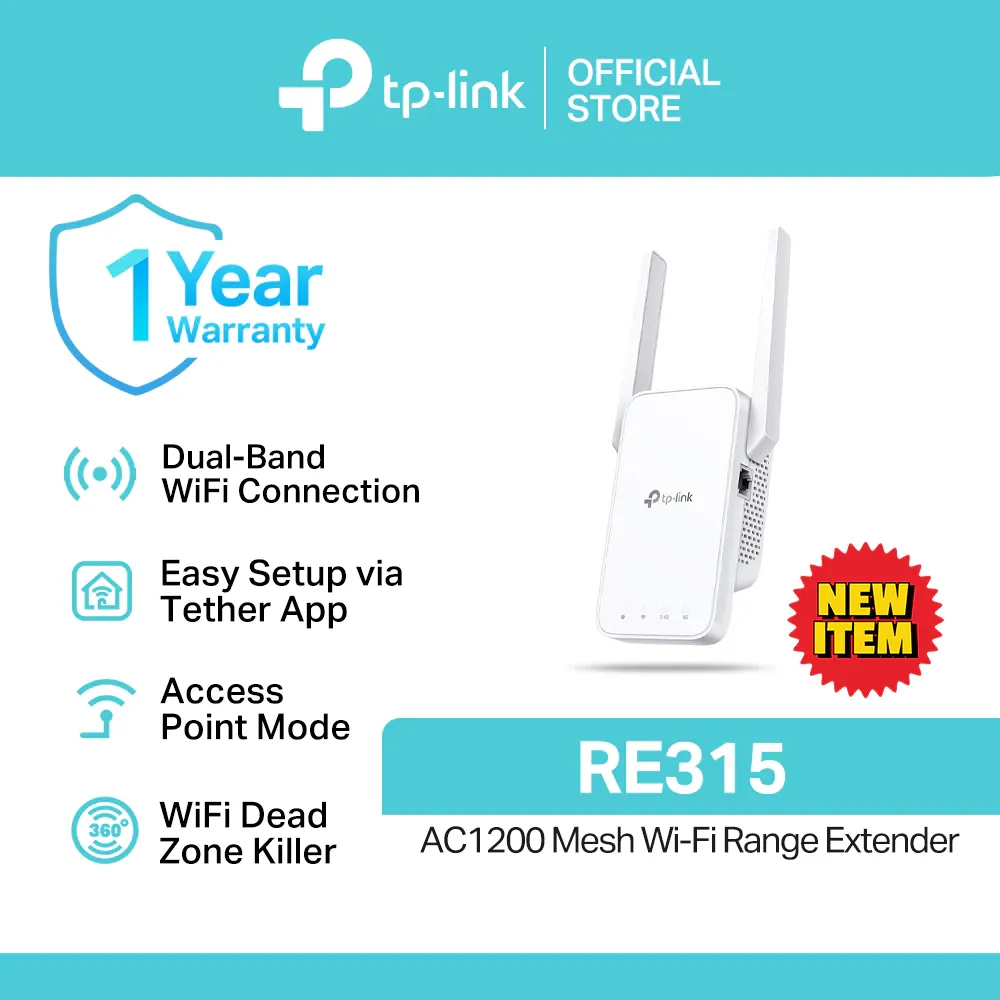
1TP-Link RE315 AC1200 Wi-Fi range extender, white wall-plug unit with two external antennas

TP-Link RE315 AC1200 Mesh Wi-Fi Range Extender

4.9

โ‚ฑ1,600as of Aug 23, 2026

โœ“ Pros

  • OneMesh and EasyMesh at the cheapest point in TP-Link's extender line
  • Two external antennas you can angle toward the dead spot

โœ— Cons

  • Its Ethernet port tops out at 100Mbps, a real cap on a fiber plan
  • 867Mbps on 5GHz is about half what the Wi-Fi 6 units here manage
3TP-Link RE550 AC1900 Wi-Fi range extender, white wall-plug unit with three external antennas

TP-Link RE550 AC1900 Dual-Band Wi-Fi Range Extender

4.9

โ‚ฑ2,300as of Aug 23, 2026

โœ“ Pros

  • Three external antennas, the most reach of any true extender here
  • A gigabit port, so a wired device upstairs gets full line speed

โœ— Cons

  • Wi-Fi 5 only, so a Wi-Fi 6 phone gains nothing over a Wi-Fi 5 one
  • Three antennas make it a wide unit that can cover a neighboring socket
4TP-Link RE705X AX3000 Wi-Fi 6 range extender, white wall-plug unit with two external antennas

TP-Link RE705X AX3000 Wi-Fi 6 Mesh Range Extender

5.0

โ‚ฑ4,700as of Aug 23, 2026

โœ“ Pros

  • Wi-Fi 6 with 160MHz channels, the fastest extender on paper in this list
  • A gigabit port, so a wired PC or console is not capped at 100Mbps

โœ— Cons

  • Wi-Fi 6 speeds need Wi-Fi 6 devices, so older phones see no gain
  • Large wall-plug body with two antennas, so it crowds a twin outlet
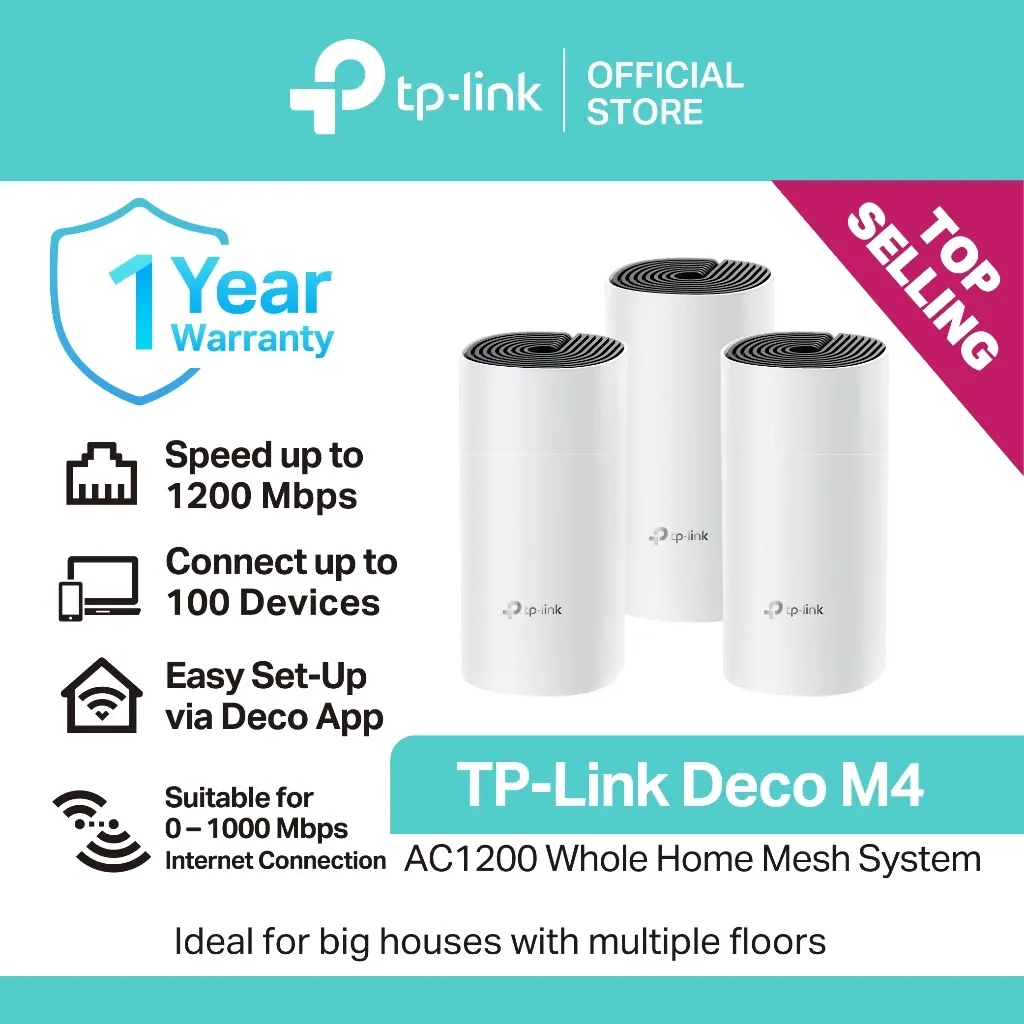
10TP-Link Deco M4 AC1200 mesh Wi-Fi units, white cylindrical nodes, front view

TP-Link Deco M4 AC1200 Whole-Home Mesh Wi-Fi System

5.0

โ‚ฑ5,500as of Aug 23, 2026

โœ“ Pros

  • Every unit is a full router, so the whole house shares one Wi-Fi name
  • Two gigabit ports on each node for a smart TV or a PC upstairs

โœ— Cons

  • It replaces your setup instead of boosting it, a bigger change than an extender
  • The pack size decides your coverage, so a single unit covers far less than a pair

Frequently Asked Questions

What is the best Wi-Fi extender in the Philippines?

For most homes, the TP-Link RE315: a dual-band AC1200 extender with OneMesh and EasyMesh, so you keep one Wi-Fi name across the house, at around โ‚ฑ1,600 with a 4.9 rating and 4K+ sold on Shopee PH (as of August 2026). On a tight budget, the Xiaomi N300 fixes one dead corner for around โ‚ฑ779.

Does a Wi-Fi extender make my internet faster?

No. An extender rebroadcasts the signal it already receives, so it can never exceed your plan, and a single-band unit roughly halves throughput on the extended network. What it fixes is coverage in a room where the signal is weak, not raw speed.

Extender or mesh, which do I need?

If one or two rooms are weak, buy an extender. If the whole house is patchy or your ISP router is old, a mesh system like the Deco M4 replaces the router instead of patching it, and gives seamless roaming with one network name.

Will an extender work with my PLDT, Globe, or Converge router?

Yes. Any extender here works with any router as a plain repeater. The single-network roaming feature (OneMesh or EasyMesh) needs a router that supports it, and most ISP-issued modems in the Philippines do not.

Where should I plug in a Wi-Fi extender?

Roughly halfway between your router and the dead spot, in a socket where the extender still has a strong link back to the router. Plugging it into the dead spot itself just rebroadcasts an already-weak signal.