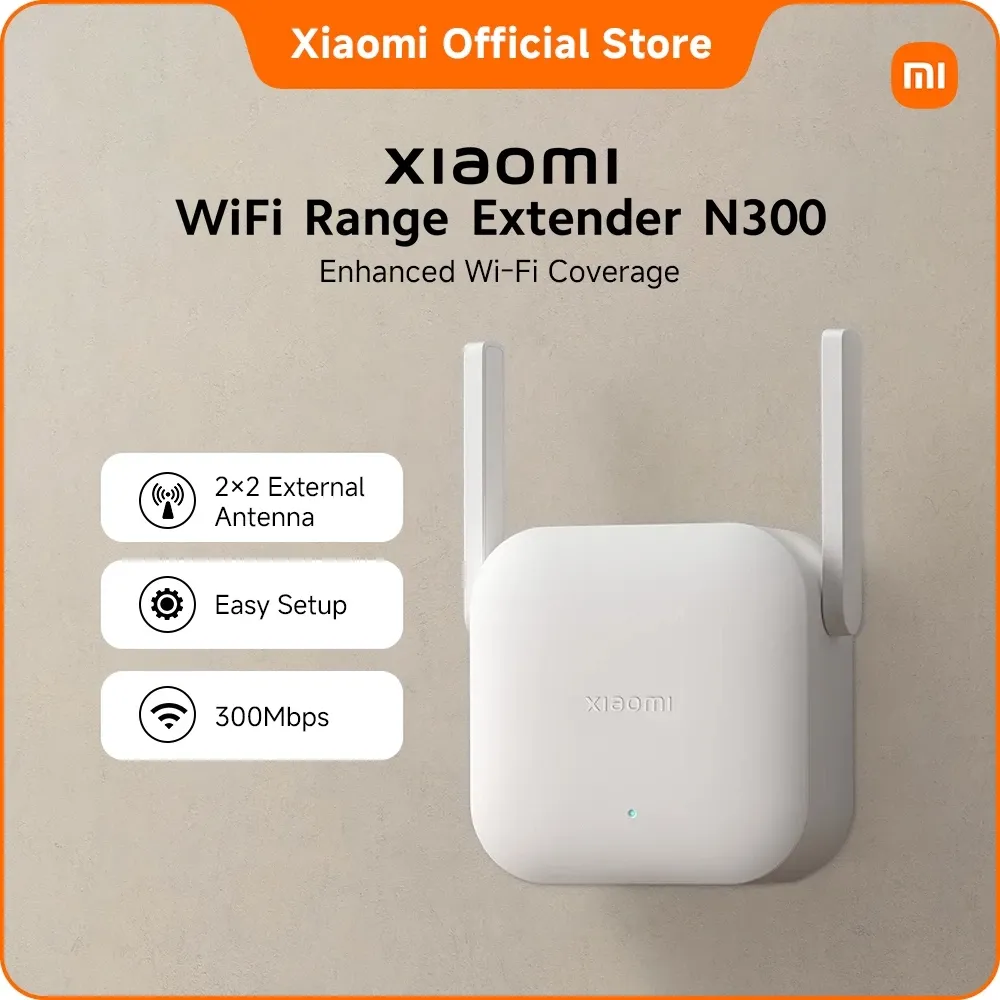
Xiaomi Wi-Fi Range Extender N300, 300Mbps 2.4GHz
₱779as of Aug 23, 2026
COD · Shopee-protected payment

Disclosure: Product Choicest is reader-supported. We may earn a commission when you buy through our Shopee links, at no extra cost to you. Read affiliate disclosure.
A 300Mbps 2.4GHz wall-plug repeater that draws about 3.57W, our Best Budget Wi-Fi extender at around ₱779, for one dead corner and nothing more ambitious than that.
₱779as of Aug 23, 2026
COD · Shopee-protected payment
| Brand | Xiaomi |
|---|---|
| Type | Wi-Fi range extender |
| Price | ₱779 (as of Aug 23, 2026) |
| Owner rating | 4.8 ★ from 649 reviews |
| Shop | Xiaomi Official Store Global |
| Units sold | 2K+ |
Specs per Xiaomi (model DVB4398GL).
| Type | Wi-Fi range extender |
|---|---|
| Model | DVB4398GL |
| Wi-Fi standard | Wi-Fi 4 (802.11n), 2.4GHz only |
| Speed | Up to 300Mbps |
| Antennas | 2 external |
| Devices | Up to 16 at once |
| Power draw | 3.57W |
| Security | WPA-PSK / WPA2-PSK |
The Xiaomi Wi-Fi Range Extender N300 is our Best Budget pick: a 300Mbps 2.4GHz wall-plug repeater with two external antennas, at around ₱779. It is the cheapest honest fix for one dead corner.
One problem, well: a room where the Wi-Fi bar drops to one and video calls start stuttering. Plug the N300 into a socket about halfway between your router and that room, run the setup in the Mi Home app, and the corner gets usable signal.
It is a 2.4GHz-only unit, and that is the single fact that decides whether this is right for you. 2.4GHz travels further and goes through concrete walls better than 5GHz, which is genuinely useful in older Filipino houses with thick walls. But it is also slower, and it cannot carry your 5GHz speeds anywhere. If the far bedroom only needs Facebook, Messenger, YouTube, and Zoom, that is fine. If you want full fiber speed out there, this is the wrong tool.
Two external antennas on a body this small is a genuine plus at this price, and they help more than the internal antennas on some pricier units.
Three, and they are all worth knowing before you buy.
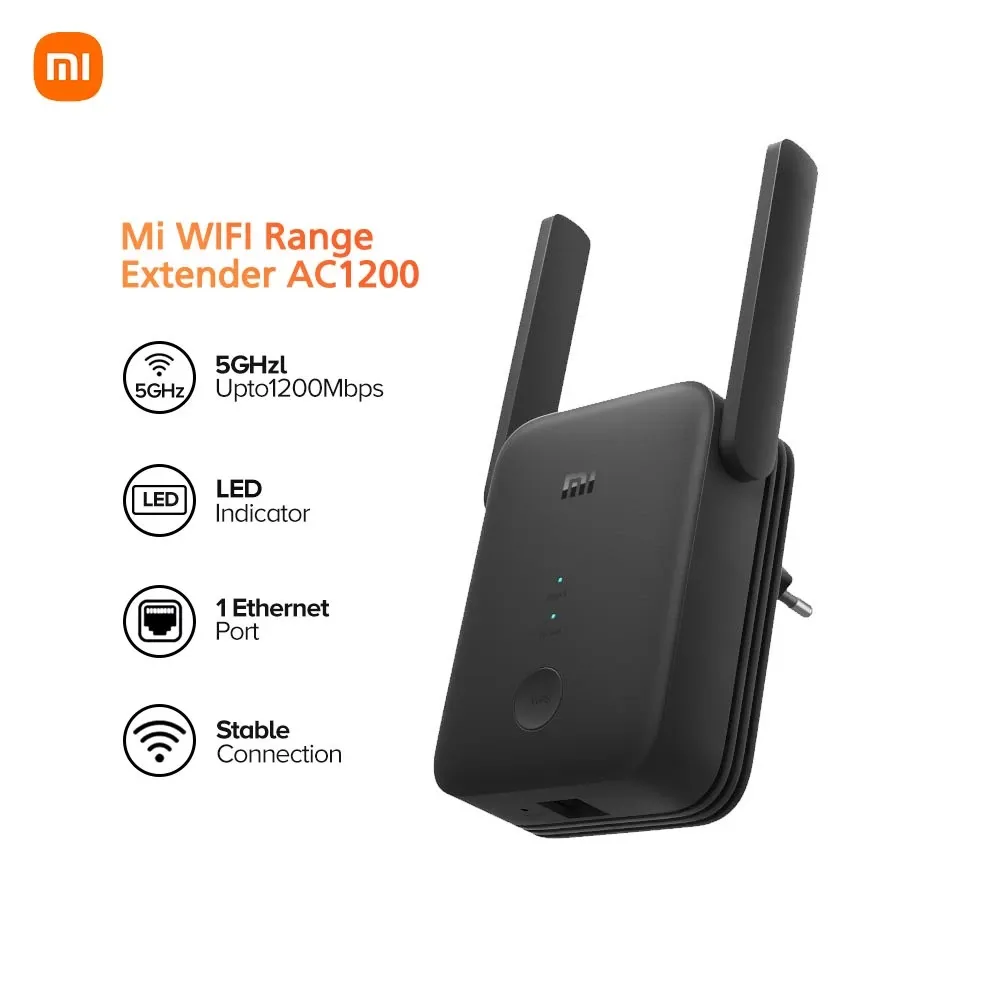
No Ethernet port. There is nothing to plug a smart TV, console, or desktop into. If wiring one device in the far room is part of the plan, look at the Xiaomi Mi AC1200 instead.
About 16 devices. That is a bedroom’s worth, not a household’s. A home full of phones, tablets, TVs, and smart plugs will run into it.
300Mbps ceiling, shared. Real throughput after the repeat hop is meaningfully lower again, so treat 300Mbps as a label, not a promise.
Around ₱779 as of August 23, 2026. Check the latest price on Shopee. Under a thousand pesos, it is the least you can spend and still buy something from a brand with real firmware and app support behind it.
The running cost is the quiet win. At about 3.57W, leaving it plugged in 24/7 uses roughly 2.6 kWh a month, which at Meralco rates is a handful of pesos. You can genuinely forget it exists.
Buy this if you have one weak room, a modest connection, and no plan to wire anything in. It suits a bedsitter, a bedroom at the end of a hall, or a helper’s room at the back of the house. Skip it if you are on fast fiber and want that speed to travel, or if you need an Ethernet port. See how it ranks in our best Wi-Fi extenders in the Philippines roundup, or read our Wi-Fi extender buying guide.
Want dual band and an Ethernet port for a bit more? The Xiaomi Mi AC1200 adds both. Want the same 2.4GHz simplicity but the most-rated unit on Shopee PH? The Xiaomi Mi Repeater Pro has thousands more ratings behind it. More on the Home Improvement page.
See how it stacks up against our top pick in the head-to-head TP-Link RE315 AC1200 Mesh Wi-Fi Range Extender vs Xiaomi Wi-Fi Range Extender N300, 300Mbps 2.4GHz, or browse the full Wi-Fi extenders comparison.
No. It is a 2.4GHz-only unit, so it can only pick up and rebroadcast your router's 2.4GHz network. Your 5GHz speeds stop at the router.
Xiaomi rates it for up to 16 devices at once. That covers a bedroom or a small office, but a whole household of phones, TVs, and smart plugs will hit the ceiling.
It draws about 3.57W, so running it around the clock uses roughly 2.6 kWh a month. At typical Meralco rates that is a few pesos, not something you will notice.
The app is the easiest way to set it up and is worth using. Once configured, the extender works on its own and you do not need the app open for it to run.
Around ₱779 as of August 23, 2026, though you should always check the current price.
Every card links to our full review.